


Build and run every loyalty campaign from one dashboard
Create cards, define rewards, message customers, track ROI, and manage your team — all in the Loopy Loyalty web app
-
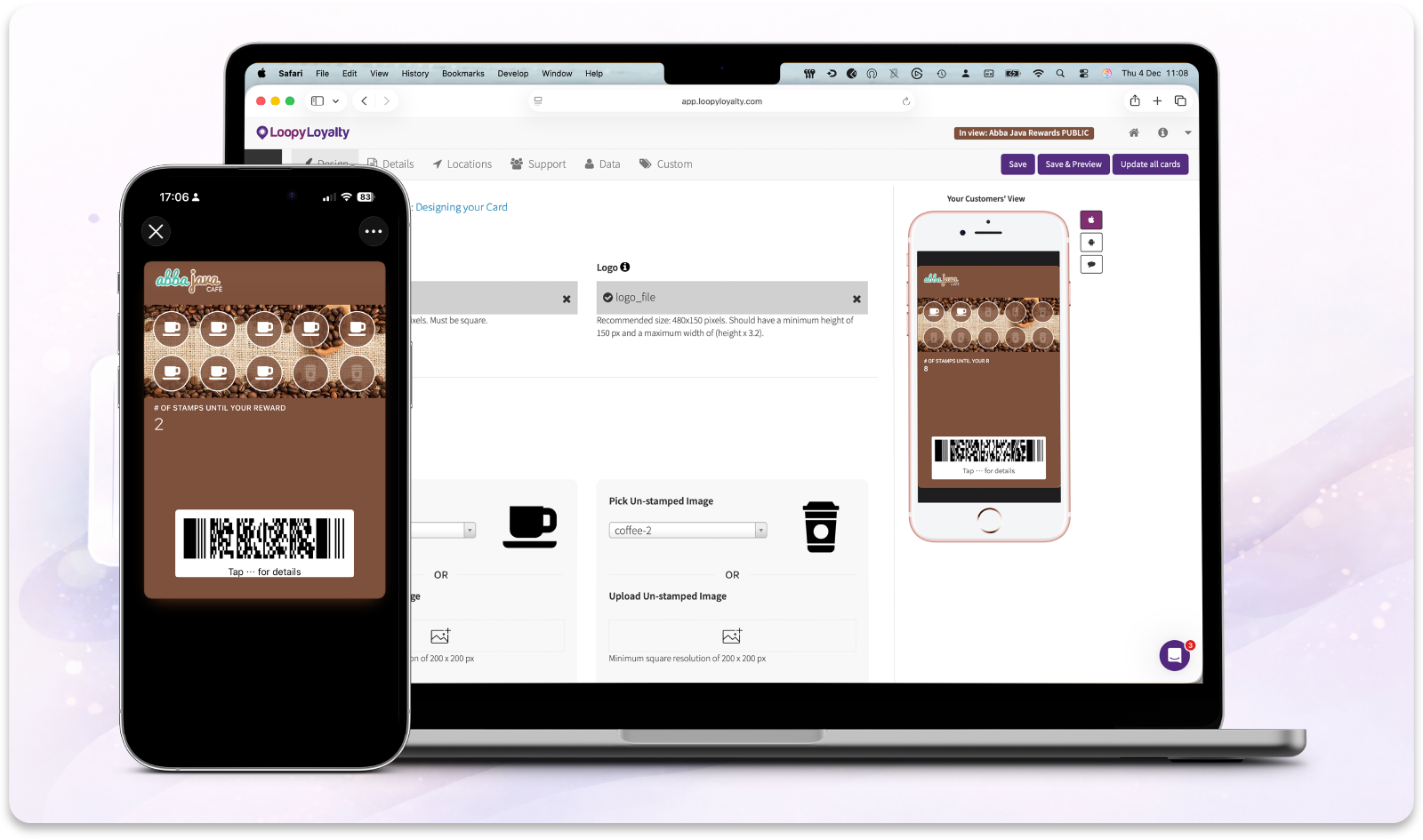
Design & publish your loyalty program
-
Manage customers and transactions
-
Track performance across campaigns
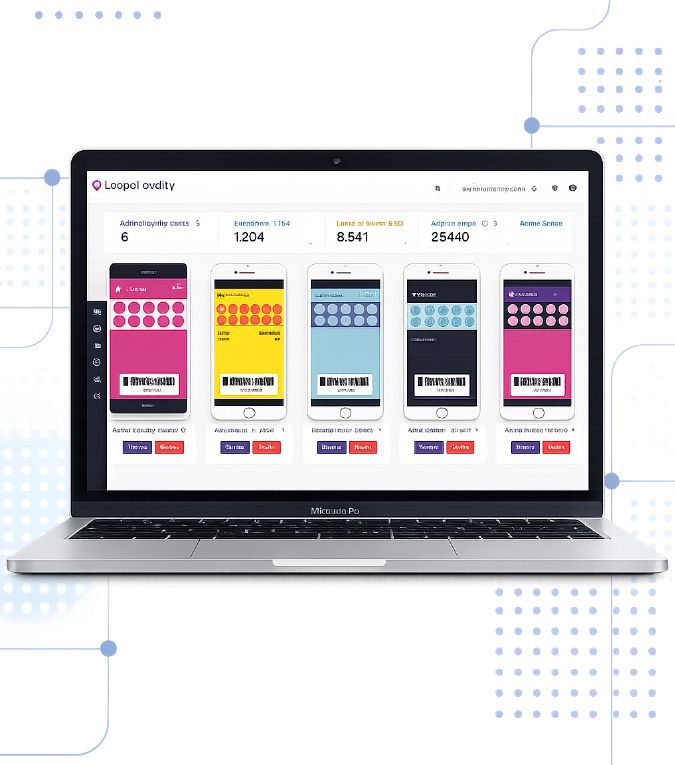
Everything in One Place
Design, manage and measure every loyalty program in one place
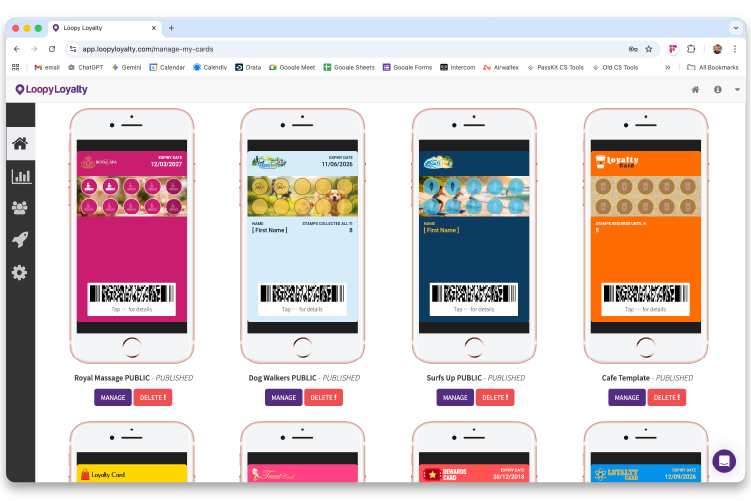
Multi-campaign control
Create, edit, pause or delete campaigns — all from one Home screen
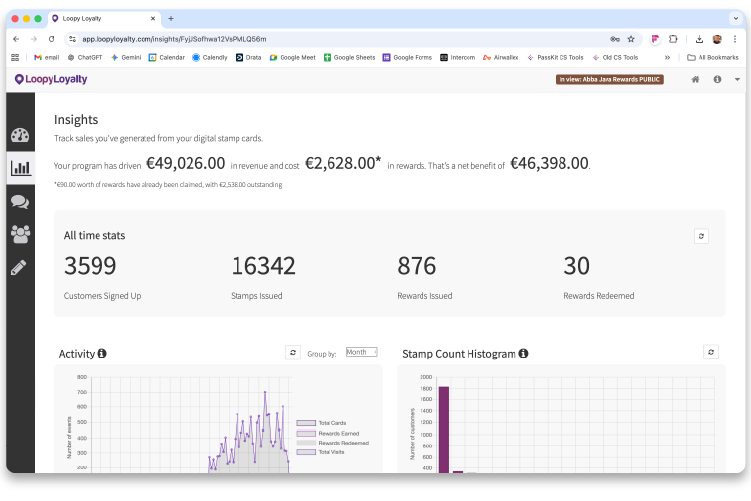
Analytics that matter
Customers enrolled, stamps issued, rewards earned and redeemed — in one place.
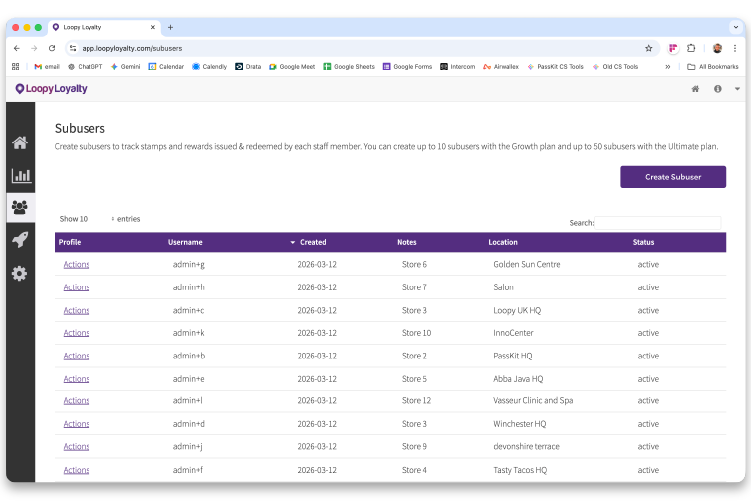
Team & account management
Add staff, control access, manage invoices, and update account settings
Business Dashboard
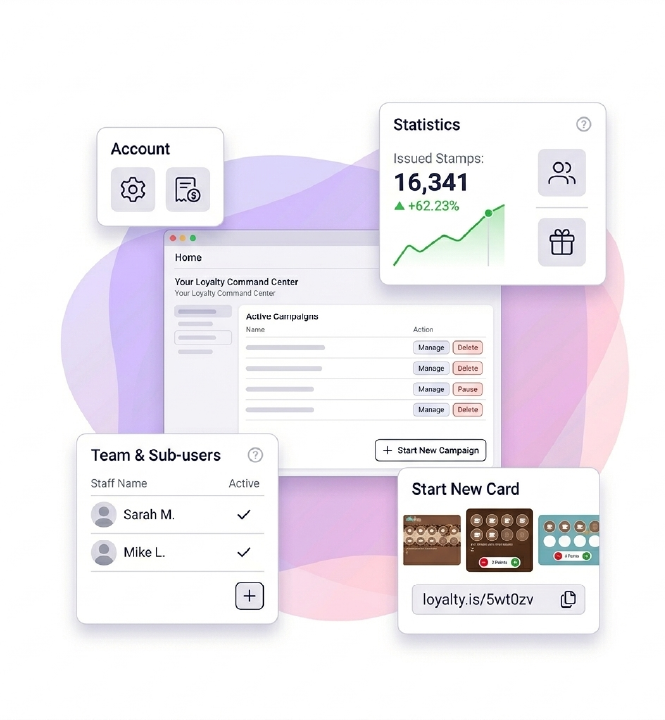
Manage every loyalty campaign, your team and your account settings from one simple dashboard
Your loyalty command center
-
Home: view, manage, pause or delete campaigns
-
Statistics: see customers enrolled, stamps issued and rewards activity across all programs
-
Sub-users: create staff logins for the Stamper app
-
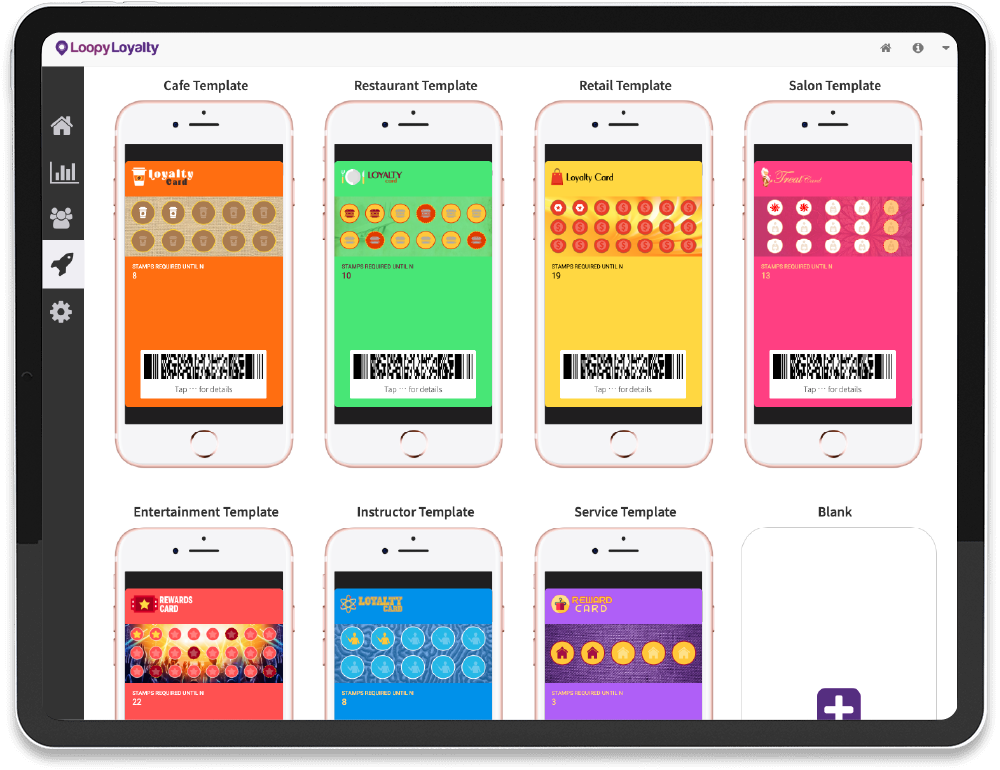
Start: choose a template and launch a new card in minutes
-
Settings: update business details, password, billing card and invoices
Campaign Control
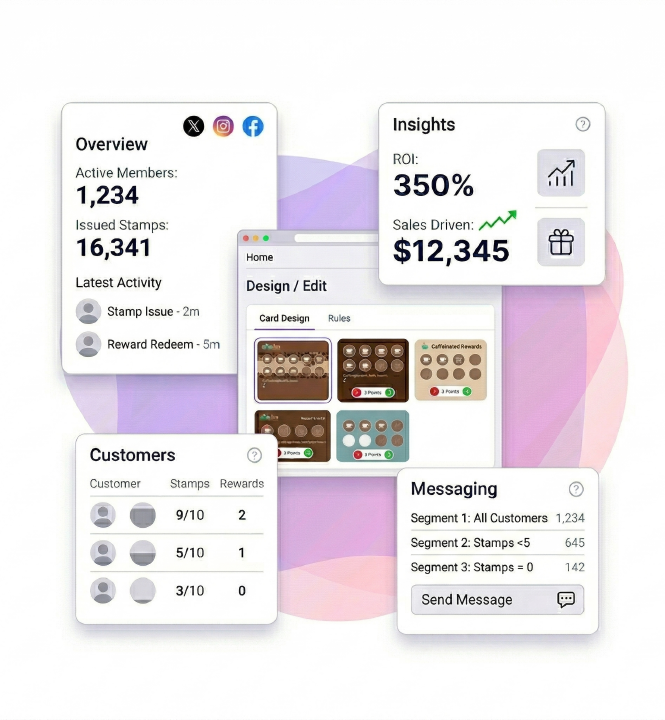
Every campaign has its own workspace — track performance, engage customers and fine-tune your program as you grow
Tools to run each loyalty program
-
Overview: key stats + latest activity (what, when, who)
-
Insights: track ROI and sales driven by loyalty
-
Messages: target customers by stamp and reward activity
-
Customers: view profiles, signup data and activity
-
Design / Edit: update design + rules — publish instantly
Advanced Tools
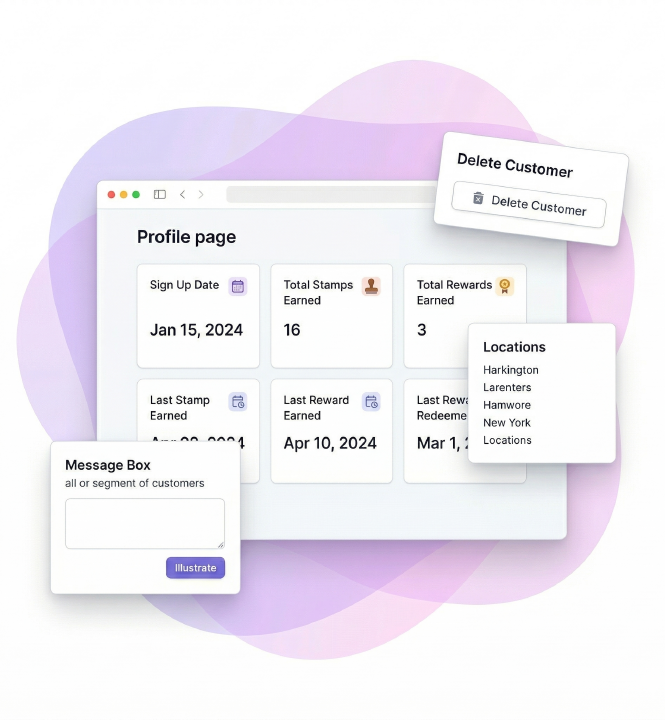
Drill into individual customers, adjust loyalty balances and customise every detail of the card experience — without losing control
Go deeper when you need to
-
Customers: view profiles, activity and signup data
-
Actions: message customers directly or issue stamps
-
Compliance: delete customer data for GDPR requests
-
Customization: edit design, rewards text, links and support details
-
Locations: add lock-screen messages and customise labels
Create
Choose a proven loyalty template and tailor it to your brand. Start fast with a design that's built to drive repeat visits
Motivate
Design rewards and rules that keep customers coming back. Control stamps, expiry and incentives that encourage real behaviour
Grow
Launch instantly, message customers at the right moments, and track performance as your loyalty program scales
Questions & Answers
Quick answers to common questions about the Web Dashboard
1. Which browsers does the web dashboard support?
The dashboard works in all modern browsers, including Chrome, Safari, Edge and Firefox.
2. Do I need to install any software?
No. The Loopy Loyalty dashboard runs entirely in your web browser.
3. Can I access the dashboard from different devices?
Yes. You can log in from any computer or tablet using your account.
4. Can my team access the dashboard?
The dashboard is accessed by the account owner. Team members use the Loopy Loyalty stamper app via sub-user accounts.
5. Will customers see changes I make automatically?
Yes. Design updates and rule changes are published instantly to customer cards.
6. Where can I learn how to use specific dashboard features?
Every screen includes access to live chat support and step-by-step help articles.
Have any questions? Get in Touch